
ARTICLE CATEGORY
Home Network Architecture
Learn how to design reliable home networks using thoughtful Wi-Fi coverage, wired infrastructure, equipment placement, segmentation, and scalable architecture for properties of every size.
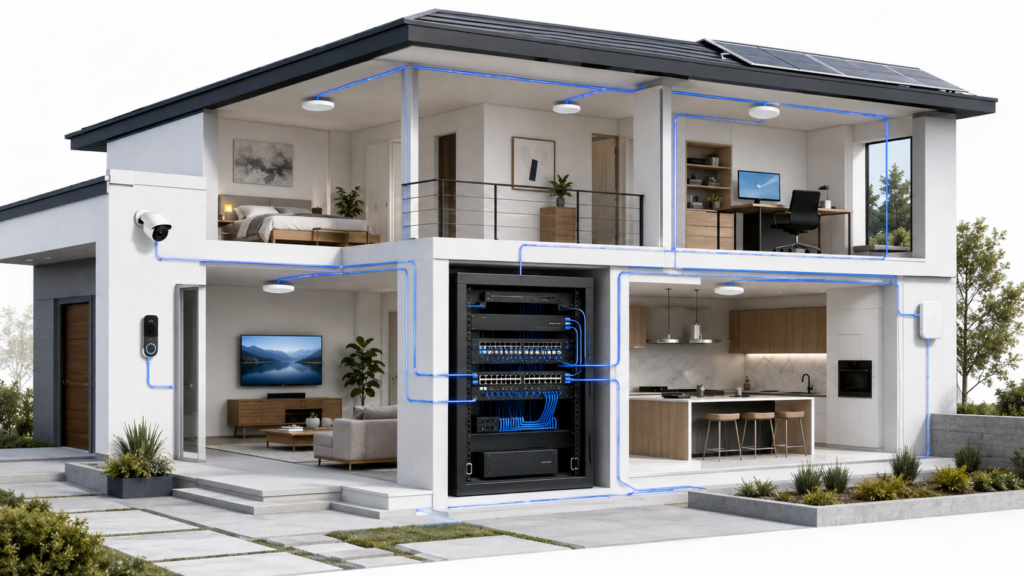
START HERE
The Correct Way to Design Wi-Fi & Wired Infrastructure (2026 Guide)
Learn how routing, switching, Ethernet, access points, and segmentation work together to create a reliable, scalable home network built around the property.
KNOWLEDGE LIBRARY
Explore the Articles
Practical guidance, planning principles, and technical explanations for better infrastructure decisions.
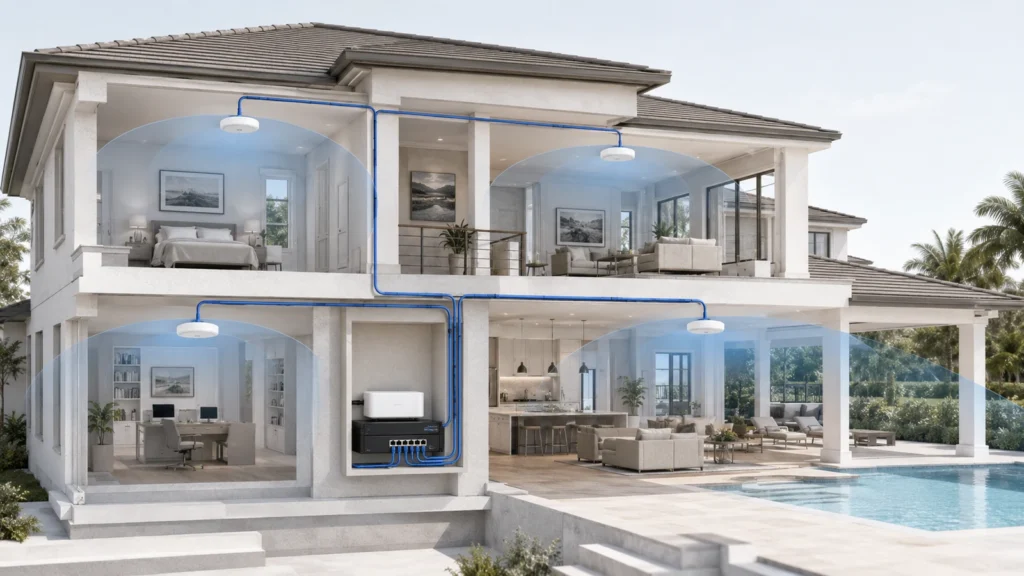
Best Wi-Fi Setup for Large Homes: A 3,000–6,000 Sq Ft Blueprint
Plan dependable Wi-Fi for a 3,000–6,000-square-foot home using coverage zones, wired access points, thoughtful placement, PoE switching, and construction-aware design.
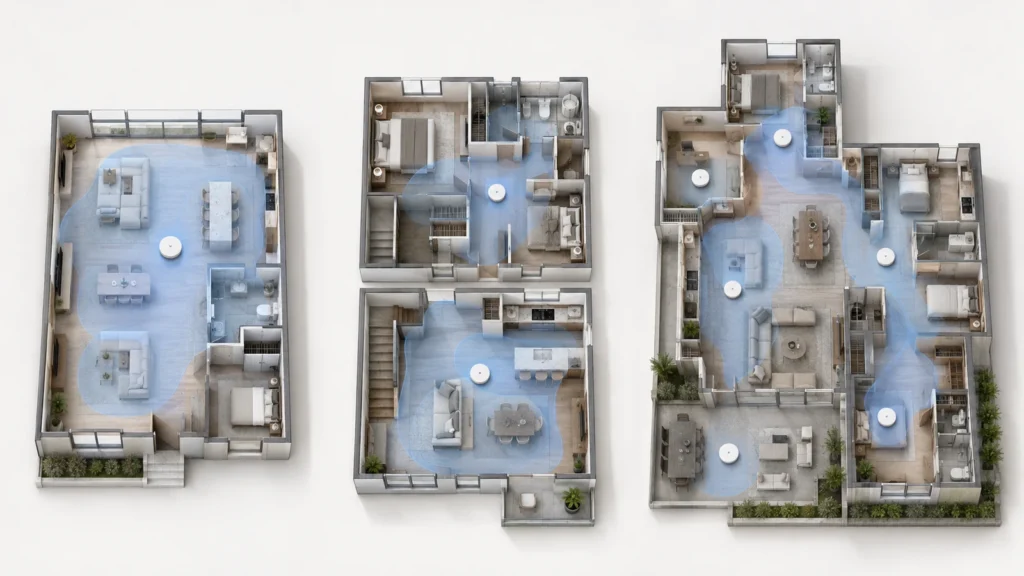
How Many Wi-Fi Access Points Do You Need? A Home Coverage Guide
Estimate the right number of Wi-Fi access points based on your home’s layout, construction, floors, usage areas, backhaul, and outdoor coverage needs.
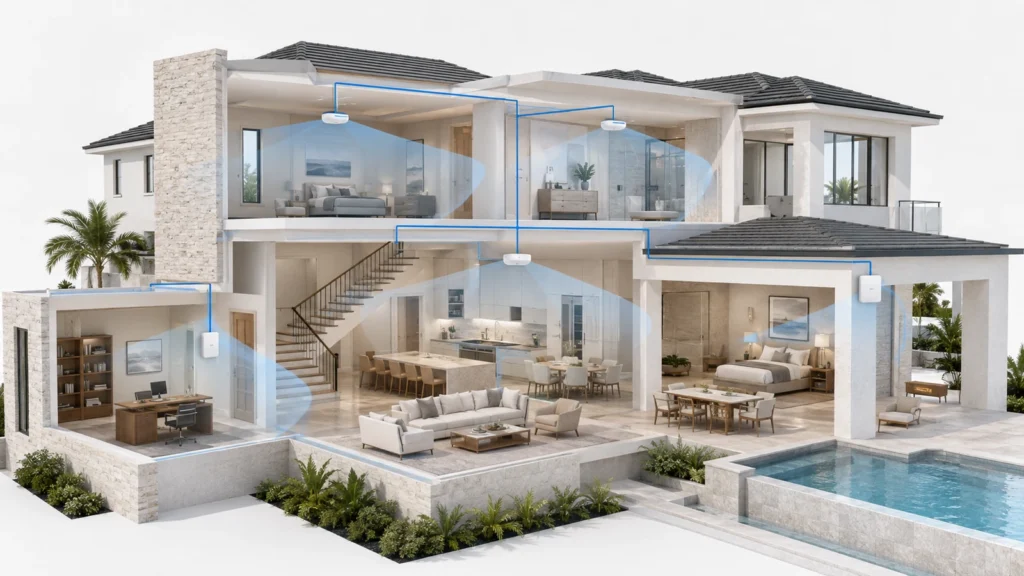
How to Place Wi-Fi Access Points: A Home Placement Blueprint
Place Wi-Fi access points more effectively by accounting for mounting orientation, walls, floors, room geometry, coverage overlap, priority spaces, and outdoor areas.
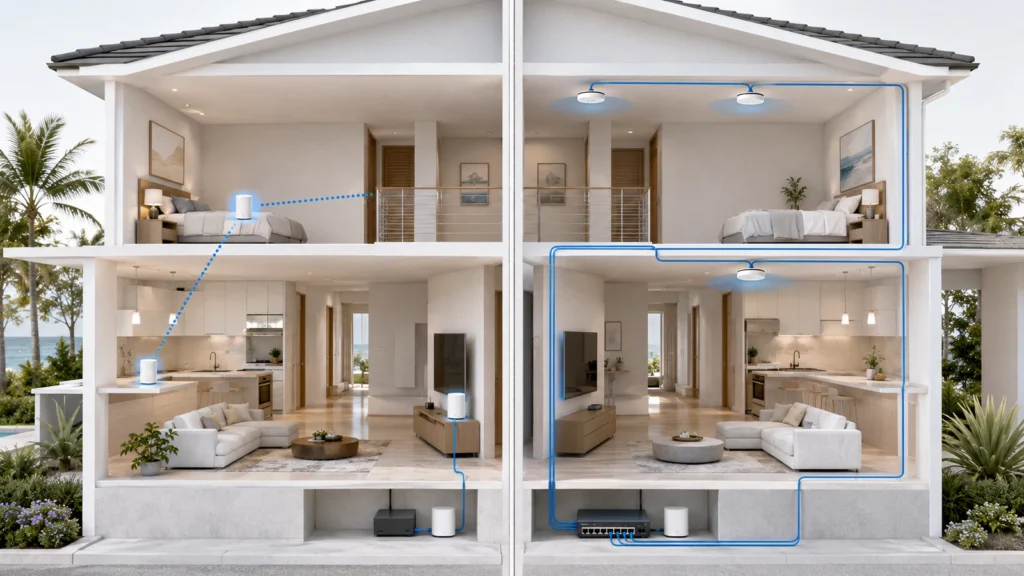
Wi-Fi Mesh vs Wired Backhaul: Which Is Better for Your Home?
Compare wireless mesh, wired backhaul, and hybrid Wi-Fi designs to choose the right balance of performance, installation flexibility, reliability, and future growth.
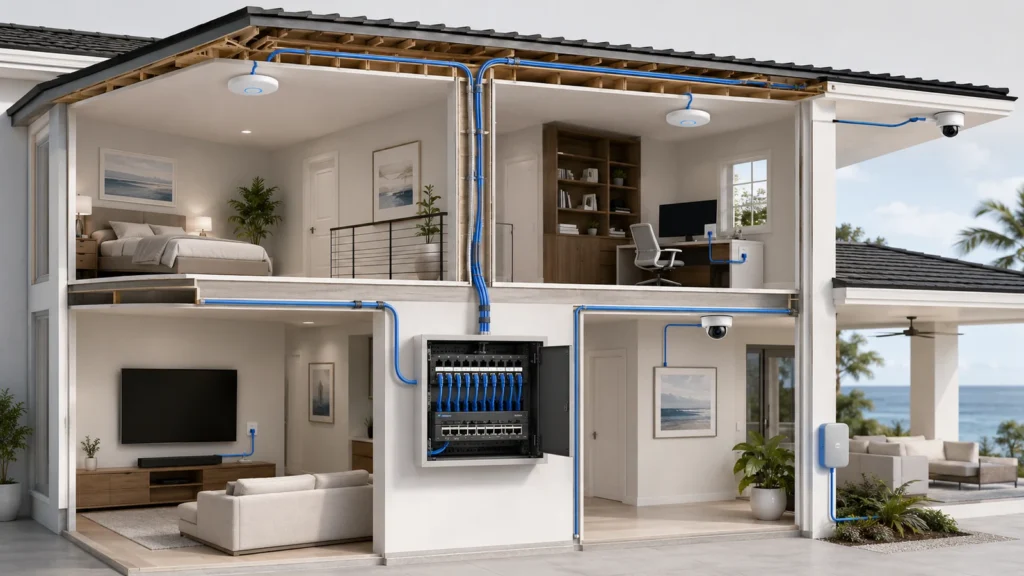
Best Ethernet Cabling Strategy for a Modern Home
Plan reliable home Ethernet infrastructure with the right cable, centralized termination, strategic drops, conduit, labeling, testing, PoE capacity, and room for future upgrades.
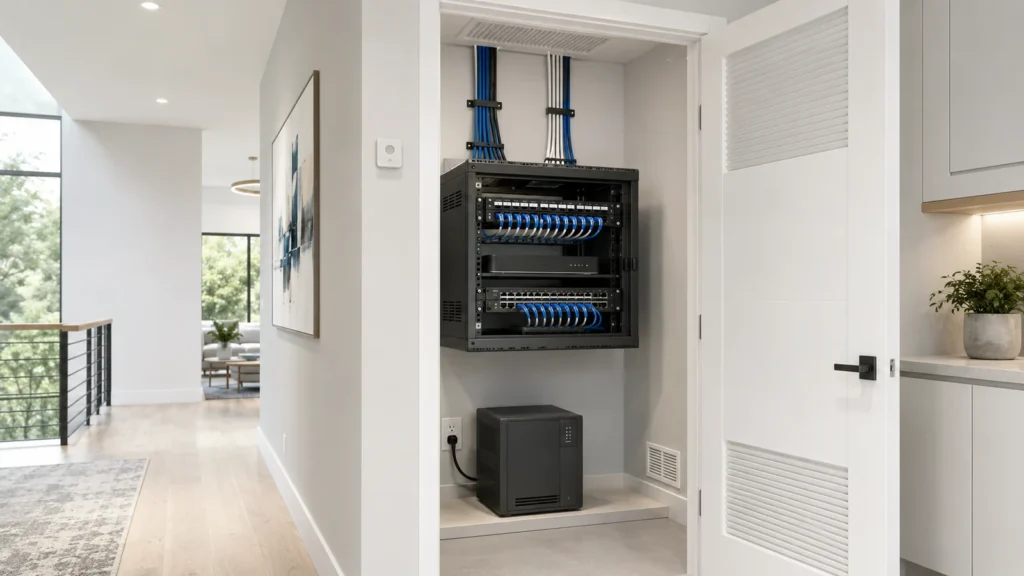
What Is a Home Network Closet? A Complete Planning Guide
Learn how to plan a home network closet with suitable space, power, cooling, patching, equipment access, documentation, security, and capacity for future growth.
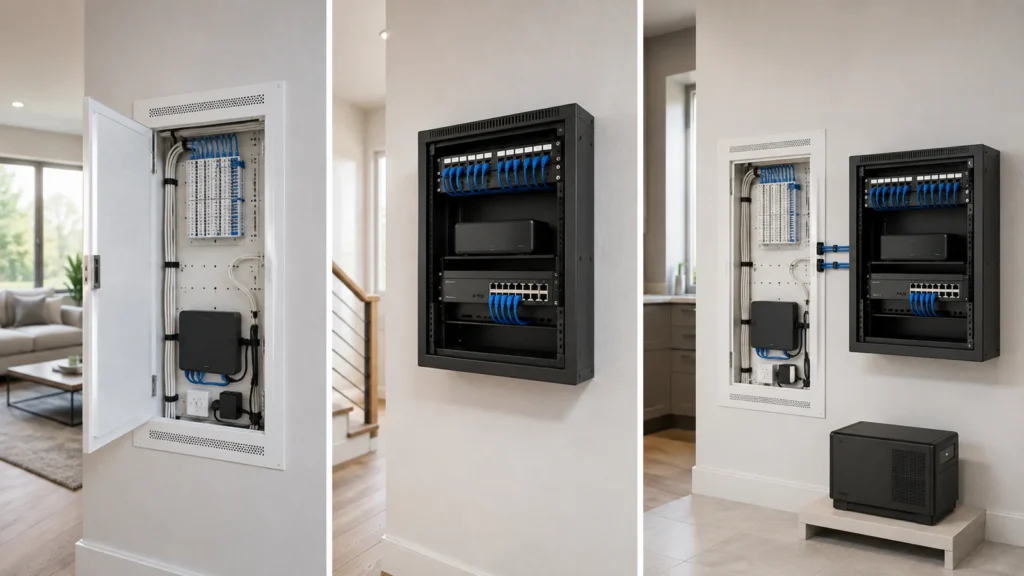
Home Network Rack vs Structured Wiring Panel: Which Is Better?
Compare structured wiring panels, wall racks, cabinets, and hybrid designs to choose the right capacity, cooling, access, appearance, and expansion for your network.
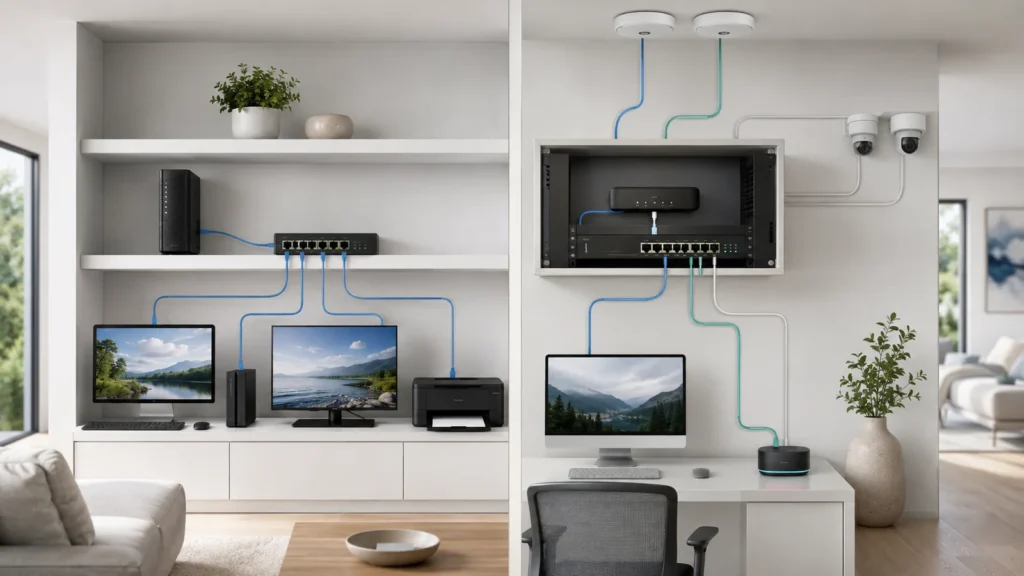
Do You Need a Managed Switch at Home? A Practical Guide
Learn whether your home needs an unmanaged or managed switch based on VLANs, PoE, monitoring, port speeds, troubleshooting, complexity, and future expansion.
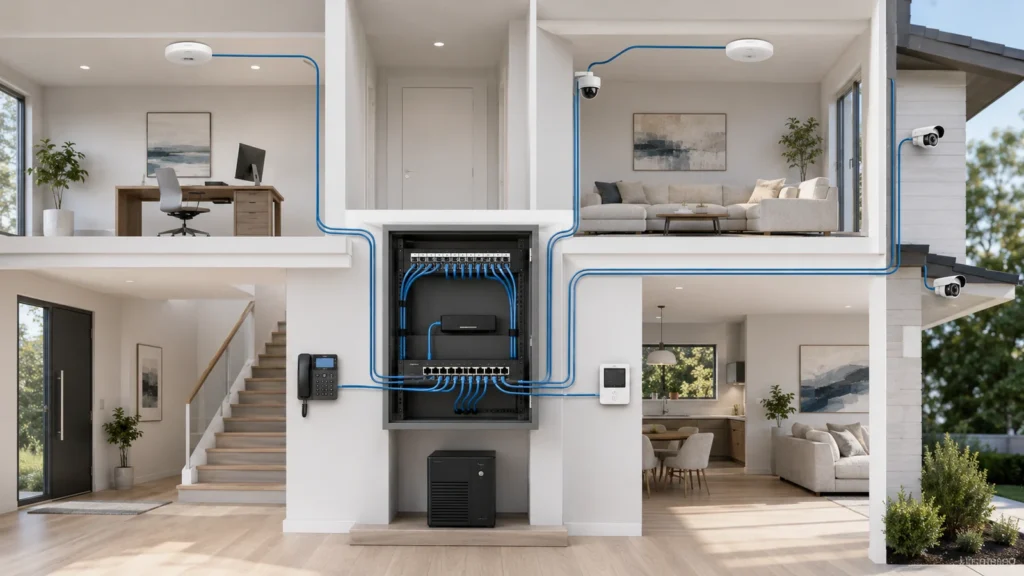
PoE Explained: Powering Access Points, Cameras, and More
Learn how Power over Ethernet supports access points, cameras, phones, and smart devices while simplifying cabling, centralized power, monitoring, and battery backup.