
Introduction
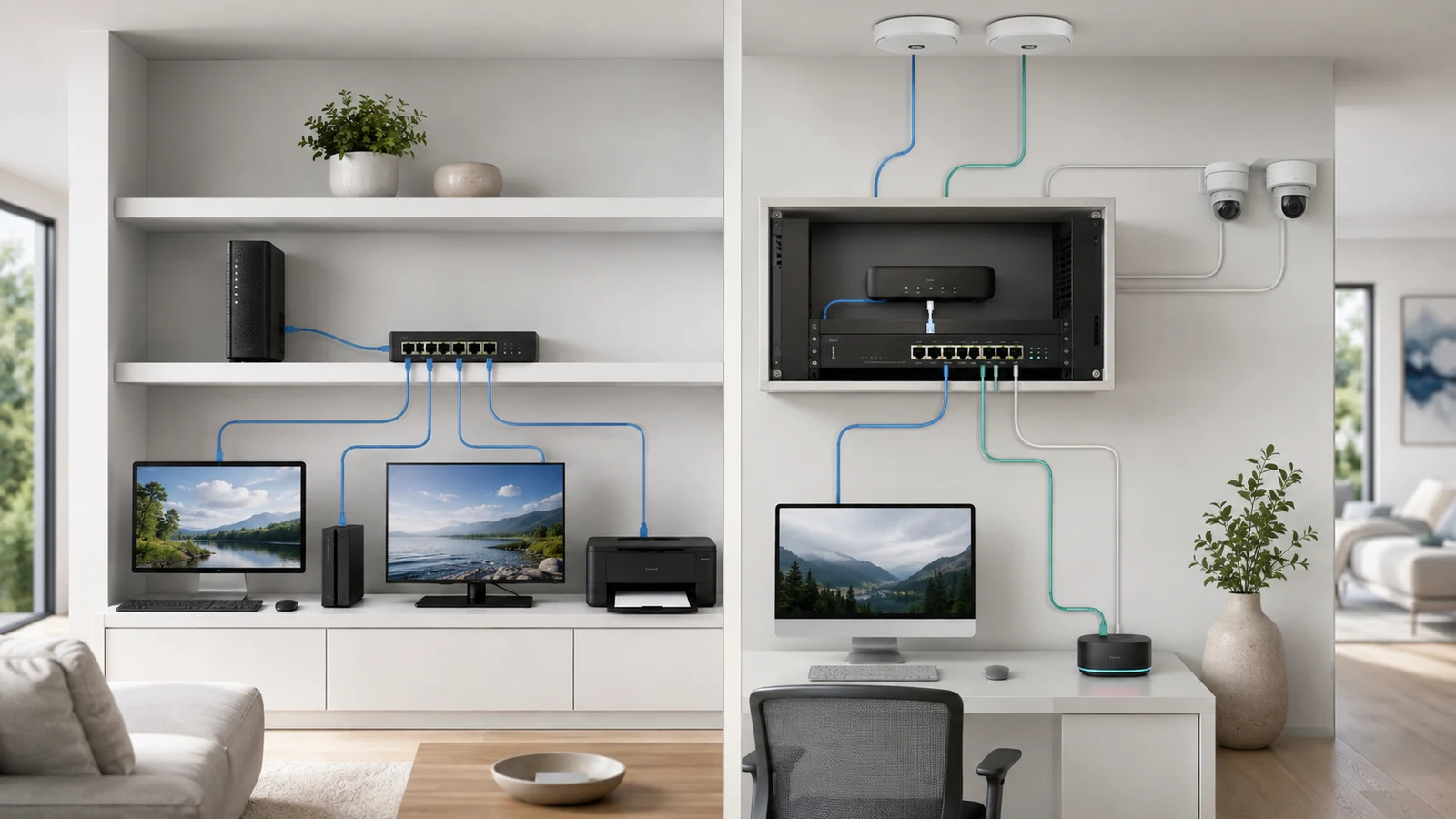
A network switch adds wired connections to a home network. An unmanaged switch does that job automatically. A managed switch adds configuration, visibility, and control over how its ports and network segments operate.
That does not make a managed switch automatically better for every home. If the network needs only a few additional Ethernet ports, an unmanaged switch may be the simplest and most dependable choice. If the property uses VLANs, multiple network segments, extensive PoE, centralized monitoring, or more advanced troubleshooting, management features can become valuable.
The right decision begins with the capabilities the network requires—not the size of the house or the belief that more settings always create a more professional system.
01 What a Network Switch Actually Does
A switch connects devices within the local network and forwards Ethernet traffic toward the correct destination. It may connect computers, access points, cameras, televisions, network storage, gateways, and other switches.
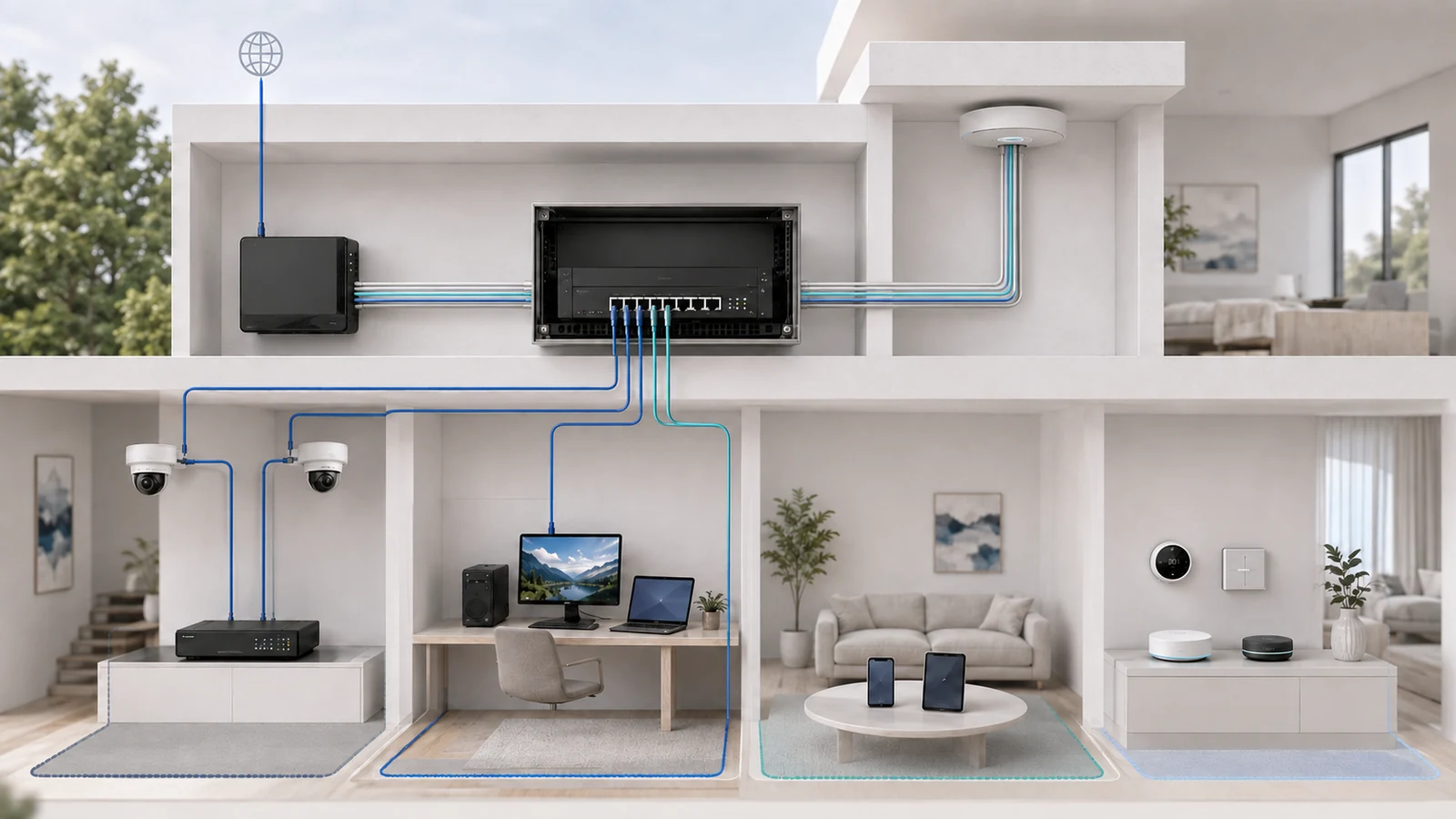
In a typical structured home network, the path looks like this:
- The internet service connects to the gateway or firewall.
- The gateway connects to the primary switch.
- The switch distributes wired connectivity throughout the property.
- Access points extend that network to wireless devices.
The gateway and switch perform different roles. The gateway routes between networks and provides the connection to the internet. The switch primarily moves traffic within the wired network and extends configured network segments to the required ports.
A switch does not automatically improve the internet connection or create faster Wi-Fi. Its value comes from providing the correct wired capacity, link speeds, power delivery, and network functions behind the connected devices.
For the complete relationship between routing, switching, Ethernet, and wireless coverage, see the correct way to design Wi-Fi and wired infrastructure.
02 Understand the Three Practical Switch Categories
Residential switch choices are often presented as either unmanaged or managed, but many products occupy a useful middle ground.
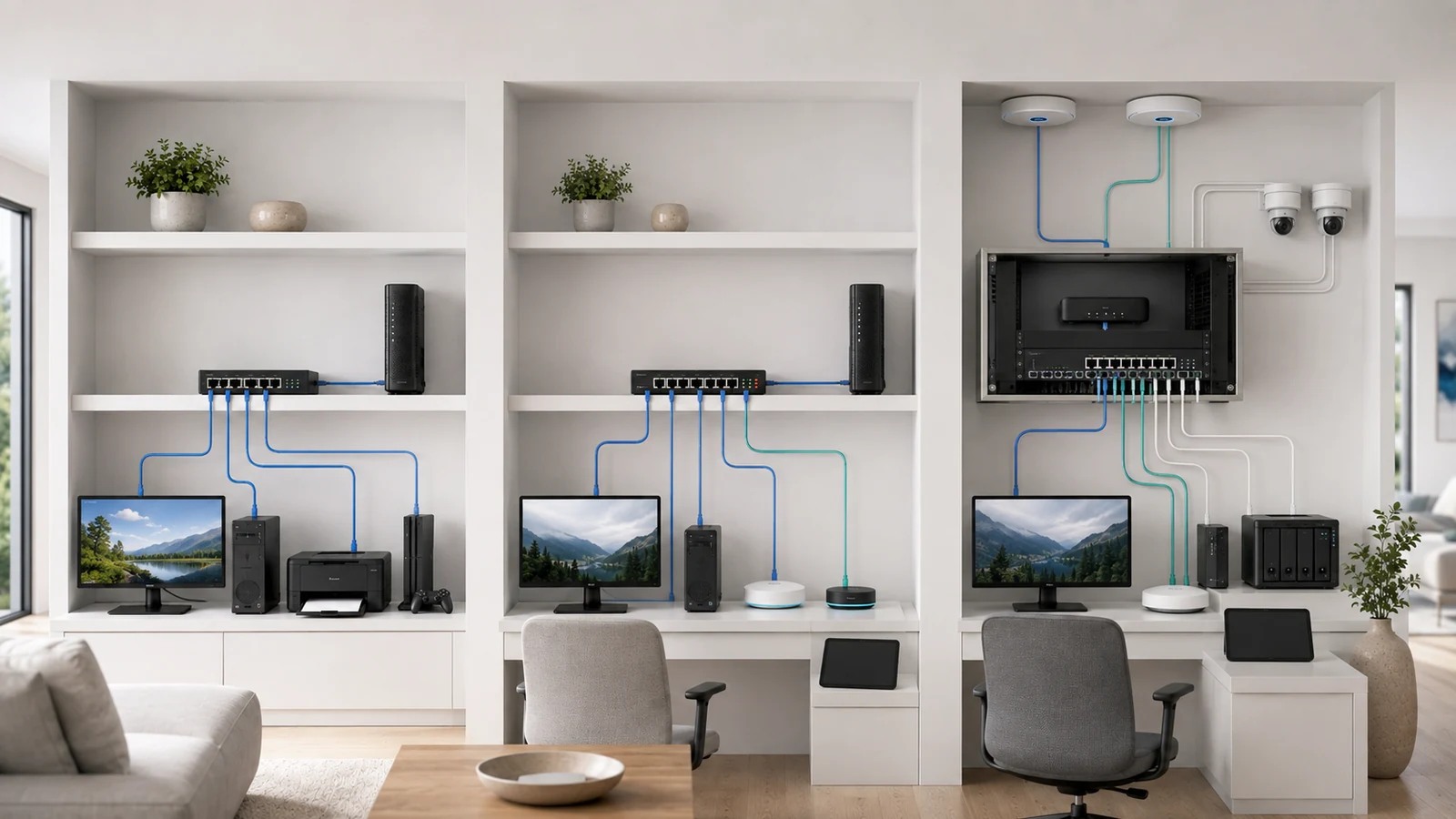
Unmanaged switch: Provides plug-and-play Ethernet connectivity with no user configuration. It is appropriate when devices belong to one ordinary local network and port-level control is unnecessary.
Smart-managed or web-managed switch: Provides selected features through a simpler interface. Depending on the product, these may include VLANs, link aggregation, port statistics, loop-prevention settings, traffic mirroring, and basic PoE control.
Fully managed switch: Offers a broader configuration and monitoring feature set. It may support more advanced VLAN behavior, detailed access controls, redundancy protocols, command-line administration, logging, automation, and integration with a larger management platform.
The names are not standardized consistently across vendors. One “smart” switch may support everything a residential VLAN design needs, while another may expose only basic port settings. A fully managed model may include many capabilities that will never be used in a home.
| Switch Type | What It Provides | Best Fit |
|---|---|---|
| Unmanaged | Plug-and-play Ethernet connectivity with no configuration, port monitoring, VLAN assignment, or administrative interface | Simple home networks that only need additional wired ports |
| Smart-Managed | Selected features such as VLANs, port statistics, PoE control, link aggregation, traffic mirroring, and basic loop protection | Structured home networks that need useful control without extensive enterprise administration |
| Fully Managed | Broader monitoring, policy, VLAN, redundancy, logging, automation, and management capabilities, depending on the model | Complex, segmented, monitored, or professionally administered residential networks |
03 When an Unmanaged Switch Is the Better Choice
An unmanaged switch is not an inferior design when management features provide no practical benefit. Simplicity reduces configuration mistakes, administrative overhead, and dependence on software interfaces.
An unmanaged switch may be appropriate when:
- The home uses one trusted local network and a guest network handled entirely by the router or wireless system.
- The switch only connects a television, game console, computer, printer, or similar endpoints.
- No VLANs need to pass through the switch.
- Port-level monitoring and remote control are unnecessary.
- The homeowner wants a small plug-and-play expansion switch.
- Another upstream managed switch already handles the network’s structured features.
Unmanaged switches can also support Power over Ethernet when the specific model includes it. PoE and management are separate capabilities. A simple unmanaged PoE switch may power cameras or access points successfully when every port belongs to the same network and no additional control is required.
Multiple access points do not automatically require a managed switch either. If the wireless system uses one ordinary network and the access points receive suitable wired backhaul, an unmanaged switch may provide everything needed.
The limitation is not reliability. It is the absence of configurable visibility and control. If those capabilities become necessary later, the switch may need to be replaced or repositioned within the design.
04 VLANs Are the Clearest Reason to Use Management
Virtual local area networks, or VLANs, allow one physical switching infrastructure to carry multiple logically separated networks. A home might use separate networks for trusted devices, guests, smart-home equipment, cameras, or work systems.
A managed switch can assign a port to one network or carry several tagged networks across a connection to another compatible device. This is especially useful for access points broadcasting multiple wireless networks from one Ethernet cable.
However, the switch cannot create a complete security design by itself. VLAN implementation normally requires coordination among:
- The gateway or firewall, which routes between networks and enforces policy
- The managed switch, which carries and assigns the VLANs
- The access points, which map wireless networks to the appropriate VLANs
- Other switches or endpoints participating in the design
A VLAN without suitable firewall policy may separate broadcast domains without providing the intended security outcome. Configuration should be documented and tested rather than assumed.
The complete architecture is explained in the NaplesTechPro guide to VLAN design for guest, IoT, management, and private networks.
05 Visibility and Port Control Improve Troubleshooting
When a device fails on an unmanaged switch, the available evidence may be limited to link lights and endpoint behavior. A managed switch can provide additional information about the connection.
Depending on the model, useful visibility may include:
- Whether a port is connected
- The negotiated link speed
- Traffic volume
- Packet or interface errors
- Power consumption by a PoE device
- The network or VLAN assigned to the port
- The device identity learned through supported discovery methods
- Topology or uplink relationships
Port control can also allow an administrator to disable a connection, restart PoE power to a remote device, change a port’s network assignment, or mirror traffic to a diagnostic system.
These functions can save time when cameras, access points, and other devices are installed in difficult-to-reach locations. Remotely cycling PoE is easier than climbing to a ceiling-mounted access point simply to disconnect its cable.
Management features do not diagnose every problem automatically. They provide better evidence and more controlled troubleshooting options. The usefulness depends on whether someone understands and maintains the system.
06 PoE Requirements May Matter More Than Management
Many homeowners begin shopping for a managed switch when what they actually need is a PoE switch. These decisions overlap, but they are not the same.
When powering access points, cameras, phones, door controllers, or other devices, evaluate:
- The PoE standard or power class required by each endpoint
- The power capability of each switch port
- The switch’s total PoE budget
- The number of powered ports
- Whether selected ports need remote power cycling or scheduling
- The heat created by the switch and its PoE load
- Battery-backup requirements for the powered devices
A managed PoE switch may report per-port power use and allow individual devices to be restarted remotely. An unmanaged PoE switch may provide power just as effectively but without that visibility or control.
Having enough Ethernet ports does not guarantee enough electrical capacity. Review how to plan Power over Ethernet before selecting the switch.
07 Port Speeds and Uplinks Must Match the Architecture
Management capability receives much of the attention, but physical switch capacity may have a greater effect on the finished network.
Check:
- The number of access and uplink ports
- The speed supported by each port
- Whether multi-gigabit access points or workstations need faster-than-gigabit links
- The speed of the gateway connection
- Whether storage or media traffic remains local to the switch
- The available uplink capacity to another switch
- Whether fiber or copper uplink modules are required
- The switch’s physical size, noise, cooling, and power consumption
A switch with advanced software features but undersized uplinks may be a worse fit than a simpler model with the correct port speeds. Likewise, installing multi-gigabit ports everywhere provides little value if the endpoints, cabling, and network services cannot use them.
Port count should include realistic growth and infrastructure devices, but unused capacity is not free. Larger switches consume more space and may produce more heat and fan noise.
The switch should fit the property’s Ethernet cabling strategy and the available home network closet, rather than being chosen in isolation.
08 Management Creates an Ongoing Responsibility
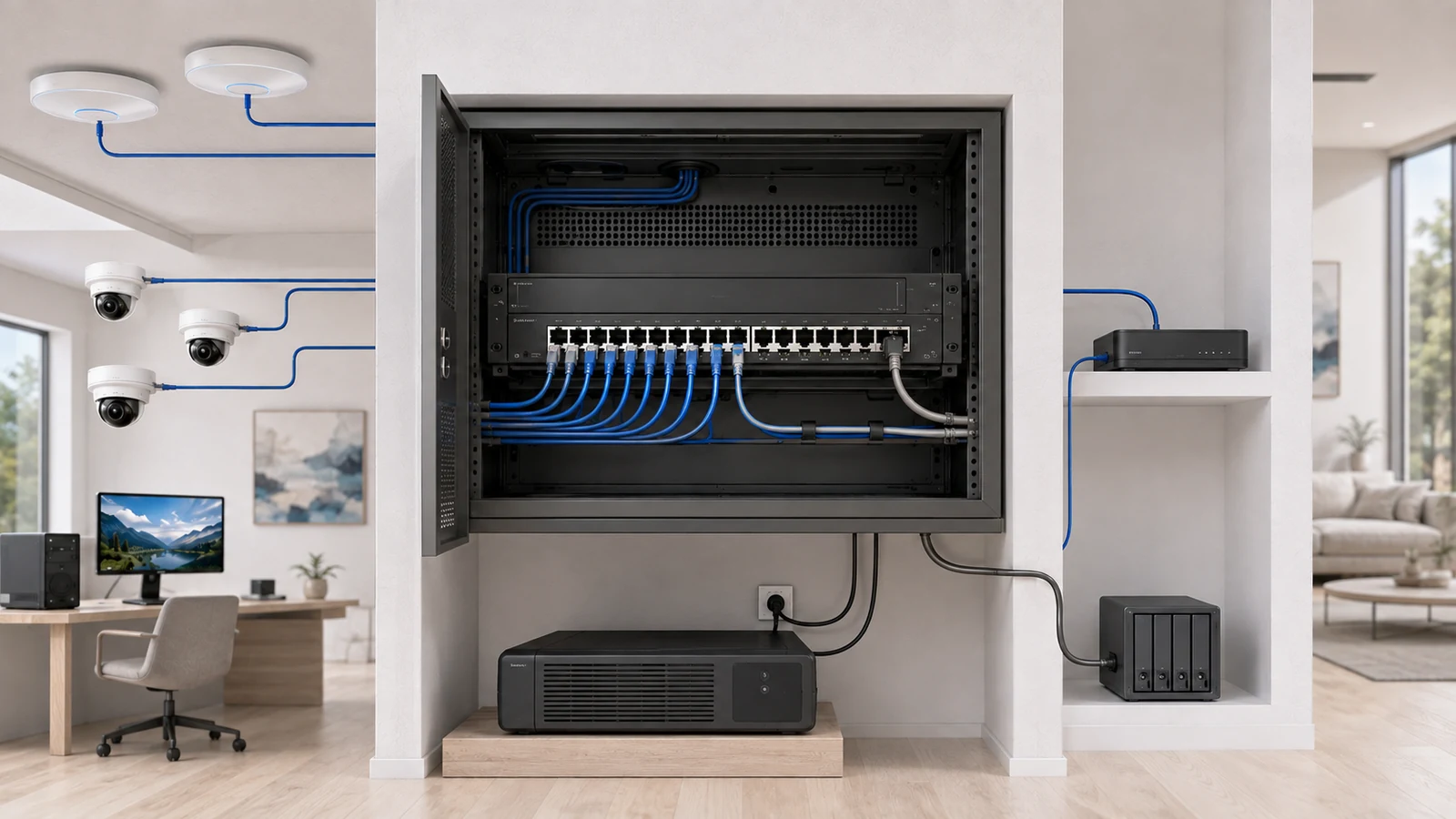
A managed switch may work with its default settings, but the value of buying it comes from using and maintaining the features intentionally.
Administrative responsibilities may include:
- Changing default credentials
- Controlling who can access the management interface
- Keeping firmware reasonably current
- Backing up the configuration
- Documenting VLAN and port assignments
- Reviewing alerts and logs when used
- Testing changes before depending on them
- Maintaining access if a cloud account or controller changes
A poorly documented managed switch can make future troubleshooting harder than an unmanaged one. The next technician may not know which ports carry tagged networks, why a device is isolated, or where the current configuration is stored.
Centralized platforms can simplify management when the gateway, switches, and access points share one interface. Mixed vendors are not inherently unreliable, however. Standards-compatible equipment can work together effectively when features, VLAN behavior, administration, and support responsibilities are understood.
A single-vendor platform may improve convenience and visibility. A mixed system may provide better flexibility or specialized equipment. The design should account for how the entire system will be administered—not assume that a matching logo guarantees correct configuration.
09 Make the Decision With a Requirements Checklist
Home Switch Selection Checklist
- Count current wired devices and realistic future connections.
- Identify the required speed of every access and uplink port.
- Determine whether the network will use VLAN segmentation.
- Confirm that the gateway, switch, and access points support the planned VLAN design.
- List every device that requires PoE.
- Calculate per-port requirements and the total PoE budget.
- Decide whether remote PoE restarts or port control would provide practical value.
- Determine whether port statistics, alerts, error counters, or topology views are needed.
- Check whether link aggregation, traffic mirroring, or advanced redundancy is actually required.
- Review switch depth, rack or panel compatibility, power, heat, and fan noise.
- Decide who will administer, update, document, and back up the switch.
- Verify the exact feature set instead of relying on “smart” or “managed” marketing language.
- Choose the simplest switch that satisfies the documented architecture.
Choose an unmanaged switch when the requirement is simply to add reliable Ethernet ports. Choose a smart-managed switch when VLANs, basic monitoring, or selected port controls are useful. Choose a fully managed switch when the network genuinely needs its broader administration, policy, topology, and integration capabilities.
A managed switch does not make a network stable by itself. It provides tools. Those tools create value when the architecture needs them and someone is prepared to configure and maintain them.
The best home switch is not the one with the longest feature list. It is the one whose ports, speeds, PoE capacity, management functions, physical design, and support model match the network it must serve.