
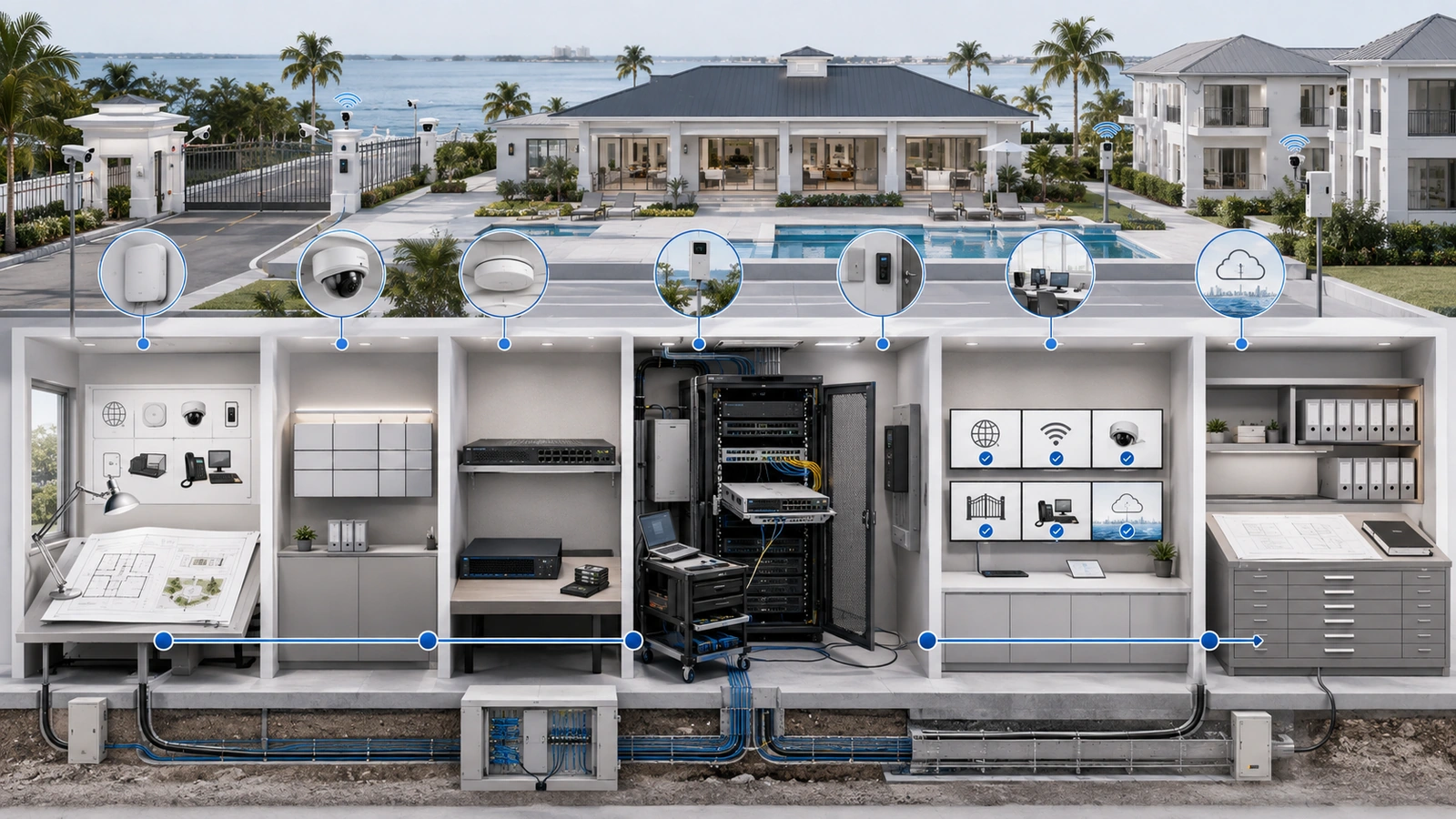
Network changes are necessary. Equipment must be replaced, firmware updated, wireless coverage adjusted, security rules modified, and new property systems connected.
The risk is not change itself. The risk is making changes without understanding what may be affected, how success will be measured, or how the previous state can be recovered.
In residential environments, a single switch or gateway may support internet access, cameras, gates, staff systems, phones, guest Wi-Fi, and remote vendors. A technically small change can therefore create a much larger operational effect.
A simple change-management process provides enough structure to reduce surprises without creating unnecessary bureaucracy.
01 Define What Qualifies as a Change
A network change is an intentional modification to infrastructure, configuration, access, software, connectivity, or an operational dependency.
Examples include:
- Replacing a gateway, firewall, switch, controller, or access point
- Changing firewall, routing, network-segmentation, or security settings
- Adding or modifying Wi-Fi networks
- Installing cameras, access control, intercoms, or smart-property equipment
- Updating firmware, software, or cloud-managed platforms
- Changing administrative credentials or remote-access methods
- Moving, repatching, disconnecting, or relabeling infrastructure
- Changing internet providers, circuits, addressing, or failover behavior
- Retiring devices, integrations, licenses, or vendor access
Not every activity requires an individual approval cycle. Reconnecting a known cable according to an approved troubleshooting procedure may be routine operational work. Repatching an unknown cable in a shared rack may have broader consequences and should be controlled.
The policy should define the boundary between routine activity and a recordable change so staff and vendors do not make that determination inconsistently.
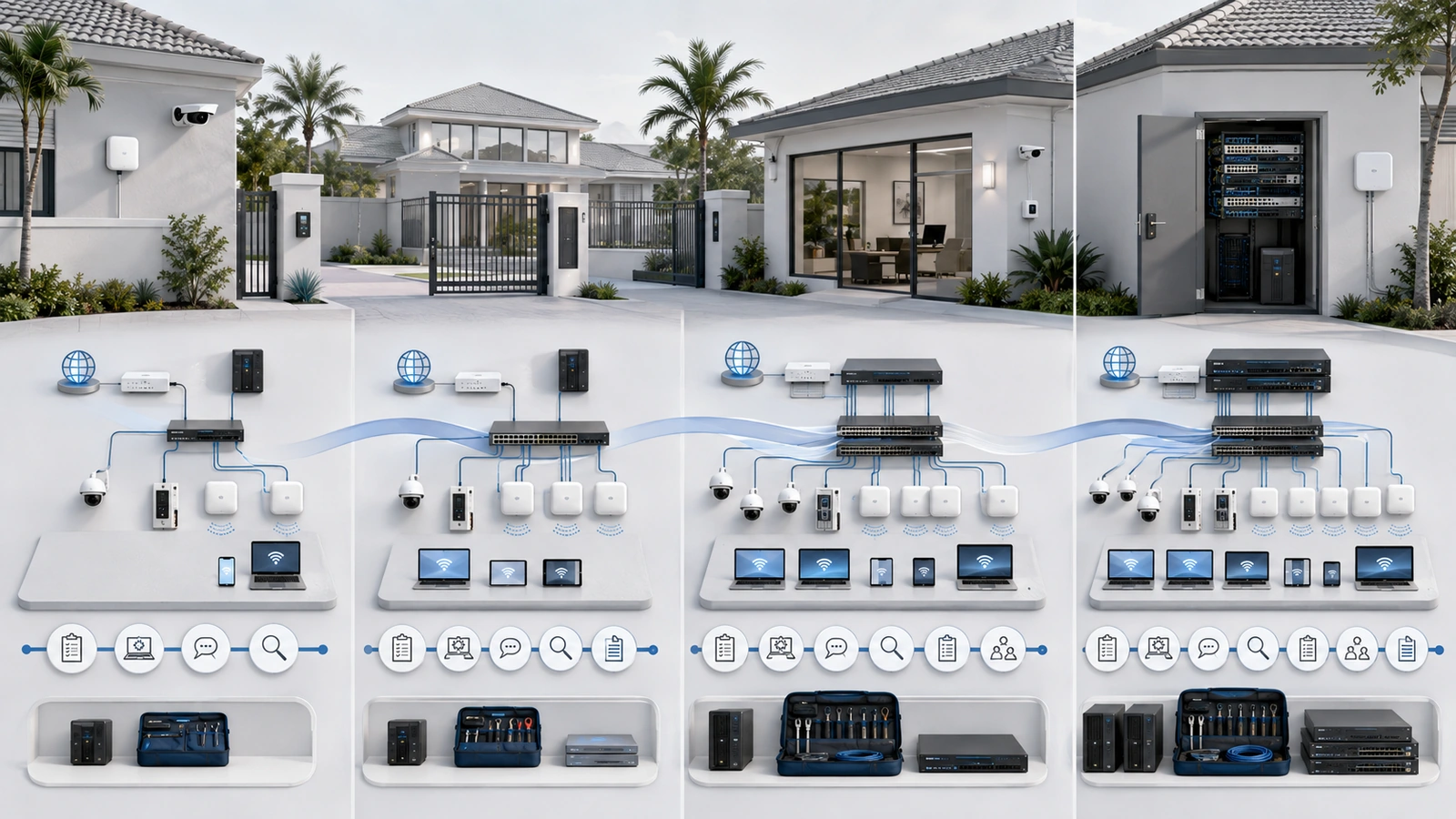
02 Classify Changes by Risk and Urgency
Change control should be proportional. Applying one approval process to every adjustment makes the system difficult to follow, while treating every change informally leaves critical infrastructure exposed.
| Change Type | Typical Characteristics | Minimum Control |
|---|---|---|
| Standard | Low-risk, repeatable, documented, and previously approved | Follow the approved SOP, record completion, and report exceptions |
| Normal | Planned change with limited and understood impact | Document, approve, schedule, back up, test, and close |
| Significant | Broad impact, critical dependencies, major migration, or difficult rollback | Detailed risk review, stakeholder communication, staged testing, recovery plan, and stronger approval |
| Emergency | Immediate action required to contain risk or restore important service | Accelerated authorization, controlled action, documentation, validation, and retrospective review |
Risk classification should consider affected systems, number of users, security implications, expected interruption, implementation complexity, reversibility, vendor coordination, and the consequence of failure.
A firewall replacement serving an entire community is significant even if the physical installation is straightforward. Renaming a test wireless network may be normal or standard if it has no operational users.
03 Create a Complete but Lightweight Change Request
The change request creates a shared understanding before work begins. It can be a form, ticket, structured email, or entry in a controlled operations system.
At minimum, capture:
- Change title and unique reference
- Reason and expected benefit
- Systems, devices, locations, and users within scope
- Person or vendor performing the work
- Requested implementation date and duration
- Known network, power, cloud, security, and vendor dependencies
- Expected service interruption
- Risk classification
- Required backup or current-state evidence
- Implementation steps or approved procedure
- Validation and acceptance criteria
- Rollback or recovery plan
- Communication requirements
- Documentation that must be updated
The request should be understandable to the person approving operational impact, not only to the technician implementing the work.
Large projects may need a separate implementation plan. Smaller changes can remain concise, but fields should not be omitted simply because the work feels familiar.
04 Assign Approval to the Appropriate Authority
Approval confirms that the property understands and accepts the operational risk. It should not be treated as a technical endorsement by someone without the required expertise.
Responsibility may be divided among:
- Technical owner: confirms feasibility, dependencies, testing, and recovery
- Operational owner: accepts timing and service impact
- Security or system owner: approves changes affecting protected systems or access
- Property leadership: approves major cost, contractual, risk, or resident-impact decisions
A smaller property may combine several roles in one authorized person. The important requirement is knowing who can approve each level of change.
Vendors should not approve their own expanded access or make unrelated infrastructure decisions merely because they are onsite. Their technical recommendations should pass through the property’s established authority.
Approval should occur before implementation except when an emergency requires immediate action. Silence or an unanswered message should not automatically be interpreted as approval.
05 Choose the Window and Prepare Recovery
The implementation window should reflect usage patterns, staffing, vendor availability, and the services that may be interrupted.
Planning should address:
- Expected start and completion time
- Services and locations affected
- Resident, staff, management, security, or vendor notification
- Availability of qualified personnel during the work
- Provider or specialist escalation contacts
- Temporary procedures for affected operations
- Time reserved for testing and rollback
- Conditions requiring the change to be postponed
A maintenance window should include recovery time, not only the optimistic implementation estimate.
Before work begins, capture the current state. Depending on the change, this may include configuration backups, screenshots or exports of relevant settings, device versions, interface status, addressing, cable positions, photographs, or current performance measurements.
A backup is only one part of recovery. The team must also know:
- Whether the backup is compatible and accessible
- How it will be restored
- Who is authorized and able to perform the restoration
- What hardware or account access is required
- How long recovery is expected to take
- How restored service will be validated
06 Implement With Checkpoints and Stop Conditions
The approved implementation should be followed deliberately. If field conditions differ materially from the approved assumptions, the team should stop and reassess rather than silently expanding the work.
Useful checkpoints include:
- Confirm the approved change and current authorization.
- Verify that required backups and recovery information are available.
- Confirm affected stakeholders and support contacts are ready.
- Record the actual start time.
- Apply changes in controlled stages where practical.
- Check critical indicators after each major stage.
- Record unexpected conditions, deviations, and decisions.
- Stop if impact exceeds the approved scope or recovery window.
Examples of stop conditions include loss of an unexpected critical system, inability to access the approved backup, discovery of undocumented dependencies, unstable equipment behavior, or insufficient time to test and recover before the maintenance window ends.
Technicians should avoid making unrelated “while we are here” modifications unless those actions are necessary for safety or recovery and are authorized and documented appropriately.
07 Validate Technical and Operational Results
A device returning online does not prove that the change succeeded.
Validation should be defined before implementation and should cover the services users and operations actually depend on.
Depending on scope, testing may include:
- Primary and backup internet connectivity
- DNS, routing, and network segmentation
- Staff, resident, guest, and operational Wi-Fi
- Cameras, recording, and remote viewing
- Gates, access control, and intercoms
- Phones, printers, management systems, and cloud platforms
- Remote access and approved vendor connectivity
- Monitoring, alerts, logs, and configuration persistence
- Power recovery and equipment restart behavior where relevant
Test results should distinguish between:
- Successful: all defined acceptance criteria passed
- Successful with follow-up: core objectives passed, with documented noncritical actions remaining
- Partially successful: some objectives passed, but impact or unresolved issues require formal acceptance
- Backed out: the previous state was restored
- Failed: objectives were not achieved and service was not fully restored through the planned rollback
Operational owners should confirm important user-facing functions where technical status alone cannot demonstrate success.
08 Close the Change and Update the Records
A change remains open until its result, evidence, documentation, and follow-up actions are recorded.
The completion record should include:
- Actual start and completion times
- Person or vendor performing the work
- Approval reference
- Actions performed and deviations from the plan
- Systems affected
- Testing and acceptance results
- Whether rollback was required
- Problems encountered and temporary workarounds
- Follow-up actions, owners, and target dates
- Documentation and backup updates
- Final completion status
Inventories, diagrams, switch-port records, remote-access records, vendor scope, configuration backups, recovery procedures, and lifecycle information should be updated where the change affects them.
Documentation practices are covered in Network Documentation Best Practices for Homes, HOAs, and MDUs.
09 Handle Emergency Changes Without Losing Control
Emergency changes may be required to contain a security concern, restore internet service, recover a gate or access system, replace failed equipment, or stabilize other important operations.
The normal process may be compressed, but it should not disappear.
During the emergency, record as much as conditions reasonably allow:
- What failed or created immediate risk
- Observed scope and operational impact
- Available evidence and current state
- Who authorized emergency action
- Who performed the work
- What was changed and why
- What validation was completed
- Which temporary measures remain active
After stabilization, the property should review the emergency change, complete missing documentation, verify the long-term configuration, remove unnecessary temporary access, update backups, and decide whether further corrective work requires a normal planned change.
Simple Change Record Template
- Reference and title: Unique identifier and concise change name
- Purpose: Why the change is required
- Scope: Systems, locations, and users potentially affected
- Classification: Standard, normal, significant, or emergency
- Owner and implementer: Responsible property representative and technical party
- Approval: Approver, date, and any conditions
- Schedule: Planned start, duration, and maintenance window
- Preparation: Backups, current-state evidence, communication, and support contacts
- Implementation: Approved steps and stop conditions
- Validation: Technical and operational acceptance tests
- Rollback: Trigger, decision authority, steps, and expected recovery time
- Closure: Actual result, evidence, documentation updates, and follow-up actions
If an emergency began as an incident, the response and change records should reference one another. The related process is explained in Incident Response Basics for Residential and HOA Networks.
Final Perspective
Change management is not intended to stop improvements or force every residential adjustment through a lengthy approval process.
Its purpose is to ensure that meaningful changes are visible, authorized, recoverable, tested, and documented.
A private home may accomplish this with a concise record maintained by the homeowner or administrator. An HOA or MDU may require defined approval roles, maintenance communications, vendor coordination, and a centralized change log.
In both cases, the essential questions remain the same: What is changing? Why? What could be affected? Who approved it? How will success be verified? What happens if it fails? What records must be updated?
Answering those questions before implementation is one of the simplest ways to make residential infrastructure more stable and supportable.