
Estimating UPS runtime for network equipment requires more than comparing the UPS capacity printed on the box with the number of devices connected to it. The equipment load, UPS watt and VA ratings, battery condition, runtime curve, power factor, environmental conditions, and outage strategy all affect how long the system may remain operational.
A UPS that can safely support a network rack does not necessarily provide the desired runtime. Likewise, a large advertised VA rating does not mean every connected device can remain online for an extended outage.
The most reliable planning method uses the manufacturer’s runtime data for the exact UPS model and battery configuration. When that information is unavailable, battery specifications can provide a secondary estimate—but with greater uncertainty.
This guide explains how to inventory the protected equipment, calculate the full and essential loads, check both watt and VA capacity, estimate runtime using two different methods, and account for the real conditions that can shorten battery operation.
Key Takeaway
Calculate the actual equipment load, confirm that it fits within both UPS output ratings, and estimate runtime from the manufacturer’s published runtime curve whenever possible. Compare the complete load with an essential-equipment-only scenario, then verify the finished design through monitoring and a controlled outage test.
01 Begin With the Outage Objective
UPS planning should begin with what the network is expected to accomplish during an outage. Different objectives produce very different runtime requirements.
A UPS may be intended to:
- Carry equipment through brief utility interruptions
- Prevent unnecessary network restarts during momentary outages
- Provide enough time for an orderly shutdown
- Maintain internet and Wi-Fi service for a defined period
- Keep cameras and access-control communications online
- Bridge the delay before a generator becomes available
- Allow staff to complete an operational procedure
Do not begin by selecting an arbitrary UPS size or universal runtime target. Define which services matter, how long they should remain available, and what should happen if the outage continues beyond the available battery time.
For example, a residence may want the gateway, optical network terminal, core switch, and selected access points to remain online through short interruptions. A business may also need phones, security systems, or a server to remain available until a generator starts or an orderly shutdown is completed.
A UPS is not automatically a long-duration backup-power system. Extended operation may require additional battery modules, a larger platform, load reduction, a generator, or another appropriately designed power source.
02 Inventory Every Connected Device
Create a complete inventory of the equipment that will receive battery-backed power. Do not count only the most visible components in the rack.
Possible loads include:
- ISP modem, optical network terminal, or provider gateway
- Router, firewall, or security appliance
- Core and access switches
- PoE-powered access points, cameras, phones, and controllers
- Network video recorders and storage drives
- Network-attached storage
- Small servers or computers
- Automation, access-control, and monitoring controllers
- Fiber converters and network bridges
- Rack fans or other supporting equipment
For each device group, record:
- Device name or model
- Quantity
- Expected watts per device
- Whether it must remain powered during an extended outage
- Whether startup, PoE activity, storage use, or enabled features can increase demand
Measured consumption is useful when the equipment is already installed. A managed power distribution unit, UPS display, plug-in power meter, or monitoring platform may provide a better operational estimate than adding generic product-category assumptions.
When measurements are unavailable, use documentation for the exact equipment configuration. Do not assume that a power-supply label showing its maximum input represents the device’s normal operating consumption.
03 Calculate the Full Equipment Load
Calculate each device group by multiplying the quantity by the expected watts per device:
Device-group load = Quantity × Watts per device
Add the individual groups:
Total equipment load = Sum of all device-group loads
Consider the following example:
| Equipment | Calculation | Total Load |
|---|---|---|
| Gateway / firewall | 1 × 22 W | 22 W |
| ISP modem / ONT | 1 × 12 W | 12 W |
| PoE switch with active PoE load | 1 × 180 W | 180 W |
| Network video recorder | 1 × 45 W | 45 W |
| Network-attached storage | 1 × 65 W | 65 W |
| Small server | 1 × 110 W | 110 W |
| Complete system | All connected equipment | 434 W |
The 434-watt result represents the expected combined operating load for the complete example. It does not yet determine whether the UPS is appropriately sized or how long it will operate.
PoE switches require careful treatment. Include the switch’s own consumption and the power being delivered to connected devices. A switch currently supplying only a light PoE load may consume substantially more after cameras activate infrared illumination, access points become busy, or additional endpoints are connected.
Use the PoE switch power-budget guide when the protected load includes several PoE devices.
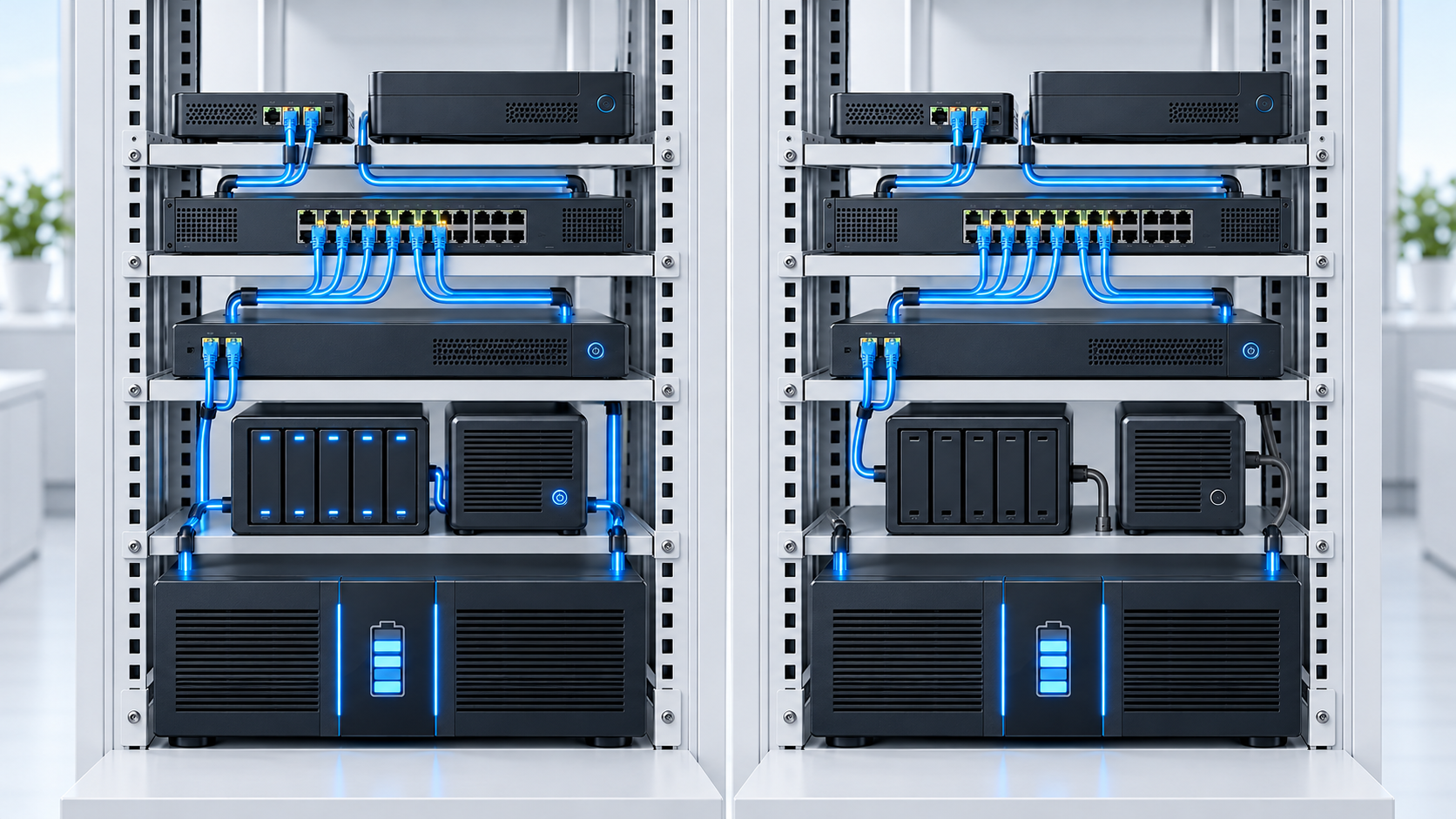
04 Separate Essential and Optional Equipment
Not every connected device must remain powered throughout an extended outage. Separating essential and optional loads can produce considerably more useful runtime without changing the UPS.
Possible essential equipment may include:
- The provider modem or optical network terminal
- The primary gateway or firewall
- The switch supporting critical network paths
- Selected access points
- Access-control communications
- Required cameras or security infrastructure
- Monitoring or notification equipment
Optional outage loads may include nonessential servers, secondary storage, convenience access points, displays, entertainment systems, or equipment that can be shut down safely.
In the example, the gateway, provider equipment, PoE switch, and NVR are classified as essential:
22 W + 12 W + 180 W + 45 W = 259 W essential load
| Power Scenario | Included Equipment | Calculated Load |
|---|---|---|
| Full load | All six equipment groups | 434 W |
| Essential load | Gateway, ONT, PoE switch, and NVR | 259 W |
| Optional load removed | NAS and small server | 175 W removed |
The essential scenario is only useful when the optional equipment can actually be disconnected or shut down. Document whether that change occurs automatically through managed outlets and shutdown software or requires a person to perform it.
05 Check Both Watts and VA
UPS models commonly provide two important output ratings:
- Watts: The real-power capacity available to operate the equipment.
- Volt-amperes: The apparent-power capacity the UPS can support.
The connected system must remain within both limits.
To estimate apparent load from equipment watts:
Estimated apparent load in VA = Total watts ÷ Equipment power factor
Using the example’s 434-watt full load and an estimated equipment power factor of 0.90:
434 W ÷ 0.90 = 482 VA
For a UPS rated at 1500 VA and 900 watts:
| Capacity Check | Entered Requirement | UPS Rating |
|---|---|---|
| Real power | 434 W | 900 W |
| Apparent power | Approximately 482 VA | 1500 VA |
| Remaining watt capacity | 900 W − 434 W | 466 W |
This load fits within both output ratings. However, passing the capacity checks does not predict runtime. It only confirms that the entered steady load is within the UPS’s stated watt and estimated VA limits.
VA Is Not Runtime
A larger VA rating does not translate directly into a specific number of operating minutes. Runtime depends on the exact UPS, battery system, connected watt load, battery condition, and manufacturer load curve.
06 Preserve Reasonable Operating Headroom
A UPS should not be selected merely because the calculated load sits slightly below its absolute output limit. Operating headroom helps accommodate measurement uncertainty, temporary load changes, device replacement, PoE variation, and limited growth.
The percentage of the UPS watt rating being used is:
Watt utilization = Equipment load ÷ UPS watt rating × 100
For the example:
434 W ÷ 900 W × 100 = 48.2%
The full load uses approximately 48 percent of the UPS watt rating. The 259-watt essential load uses approximately 29 percent.
The NaplesTechPro estimator warns when the entered load rises above 80 percent of the UPS watt rating. This is a planning warning rather than a universal electrical standard. The appropriate margin depends on load accuracy, startup behavior, system importance, redundancy, manufacturer requirements, and expected growth.
A configuration that exceeds either the watt rating or the estimated VA rating should not be treated as acceptable simply because the desired outage duration is short.
07 Prefer the Manufacturer’s Runtime Data
The preferred runtime method uses published data for the exact UPS model and battery configuration. Manufacturers may provide a runtime chart, graph, table, selector, or calculator showing how runtime changes with the connected load.
If the planned load appears directly on the manufacturer’s curve, use that value. If it falls between two published points, interpolate cautiously between the nearest relevant values.
The NaplesTechPro estimator can scale from one known manufacturer reference point using:
Estimated runtime = Reference runtime × (Reference load ÷ Planned load)Curve factor
The estimator provides planning curve factors from 1.10 to 1.30, with 1.20 as its default. This calculation is a practical interpolation model—not a replacement for the manufacturer’s complete runtime chart.
Using a manufacturer reference point of 12 minutes at 450 watts:
Full-load runtime = 12 × (450 ÷ 434)1.20 ≈ 12.5 minutes
The estimator rounds this result to approximately 13 minutes.
For the 259-watt essential load:
Essential runtime = 12 × (450 ÷ 259)1.20 ≈ 23.3 minutes
The estimator reports approximately 23 minutes.
Extrapolation becomes less dependable as the planned load moves farther from the known reference point. Use the closest appropriate manufacturer data and the complete runtime curve whenever available.
08 Use Battery Specifications Only as a Secondary Method
When reliable manufacturer runtime data is unavailable, battery specifications can provide a secondary estimate.
First calculate nominal battery energy:
Nominal battery energy in Wh = Battery voltage × Amp-hours × Battery quantity
For two 12-volt, 9-amp-hour batteries:
12 V × 9 Ah × 2 = 216 Wh nominal energy
Nominal watt-hours should not be divided directly by the equipment load. A real UPS cannot ordinarily deliver every nominal watt-hour to the connected equipment.
The estimator adjusts nominal energy using:
- A high-rate and design usable-energy factor
- Inverter efficiency
- Estimated battery health
The calculation is:
Adjusted energy = Nominal Wh × Usable-energy factor × Inverter efficiency × Battery health
Then:
Estimated runtime in minutes = Adjusted energy ÷ Equipment watts × 60
Using 216 nominal watt-hours, 65-percent usable energy, 85-percent inverter efficiency, and 100-percent battery health:
216 Wh × 0.65 × 0.85 × 1.00 = 119.34 Wh adjusted energy
At a 434-watt load:
119.34 Wh ÷ 434 W × 60 = 16.5 minutes
This result should not override a reliable manufacturer runtime curve. High discharge rates, battery chemistry, UPS cutoff behavior, internal consumption, temperature, battery age, and the exact electrical design can make the practical runtime different from a simple energy calculation.
Do Not Divide Nominal Watt-Hours Directly by the Load
Battery voltage multiplied by amp-hours provides nominal stored energy, not guaranteed energy at the UPS outlets. High-rate discharge behavior, inverter losses, battery health, cutoff voltage, temperature, and UPS design must also be considered.
09 Understand Why Runtime Is Not Linear
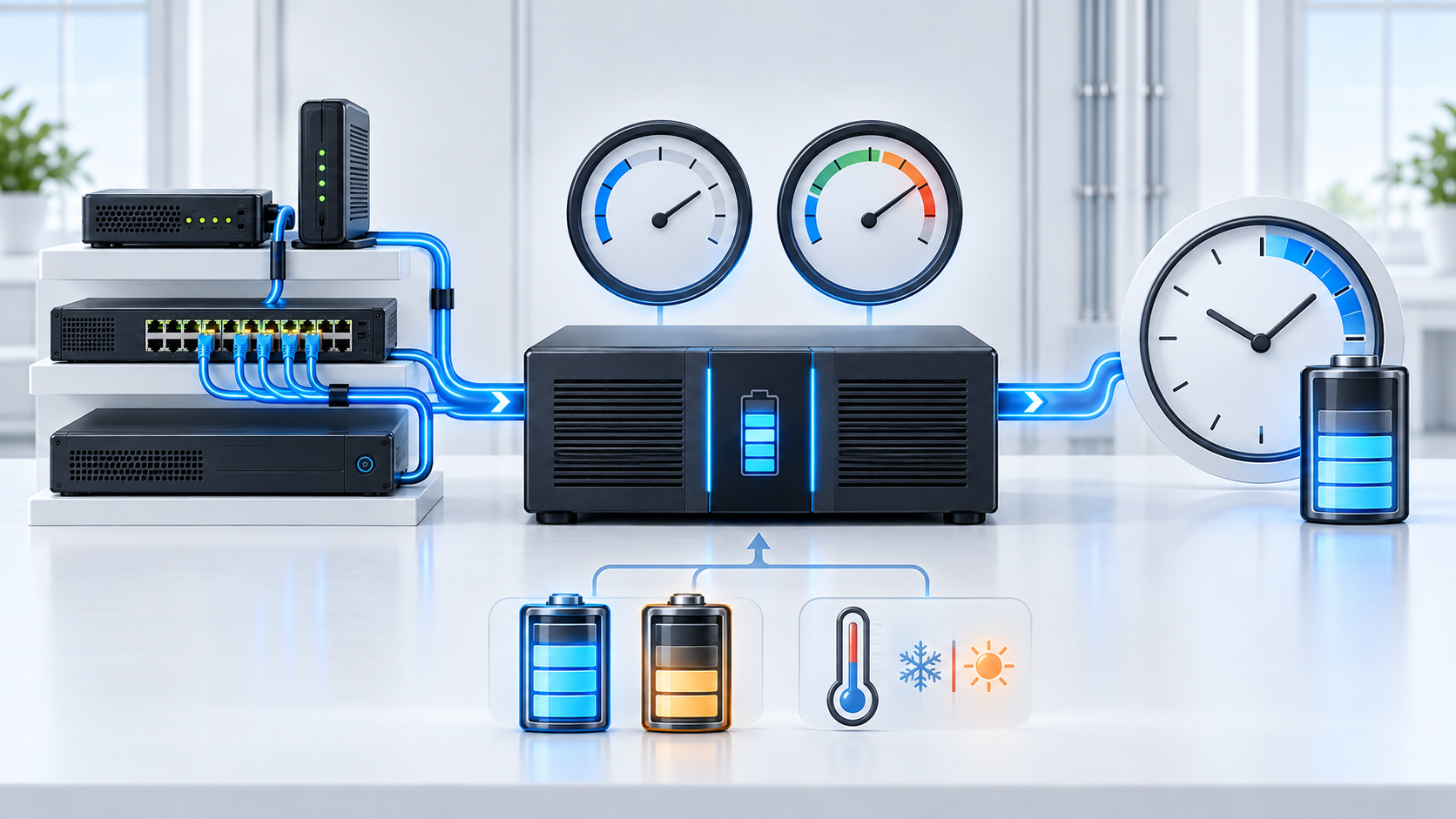
Reducing the connected load normally increases runtime, but runtime does not necessarily change in a perfectly linear relationship.
For example, cutting a 400-watt load to 200 watts does not guarantee exactly twice the operating time. Battery discharge behavior, UPS standby consumption, inverter efficiency, cutoff thresholds, and the shape of the manufacturer’s runtime curve influence the result.
This is why manufacturer runtime graphs are generally more dependable than a calculation based only on advertised battery amp-hours.
Runtime estimates become especially sensitive when:
- The planned load is far from the available manufacturer reference point
- The expected runtime extends for several hours
- The UPS has significant internal consumption relative to the load
- External battery modules are involved
- The batteries are aged, partially charged, or exposed to unsuitable temperatures
- The load changes significantly during the outage
Treat very long calculated runtimes cautiously and confirm them with model-specific documentation and controlled testing.
10 Account for Battery Age and Operating Conditions
Published runtime data commonly reflects new, fully charged batteries under defined test conditions. Installed systems may perform differently.
Runtime can be reduced by:
- Battery aging and normal capacity loss
- High or low ambient temperatures
- Incomplete charging before the outage
- Recent battery use or repeated outages
- Loose, corroded, or damaged battery connections
- Incorrect replacement batteries
- Additional devices connected after the original calculation
- Higher-than-expected PoE consumption
- UPS alarms, faults, or configuration changes
Battery self-tests are helpful, but they do not always prove that the complete system will achieve its planned runtime under the real connected load.
Record the UPS model, battery model, installation date, replacement date, observed load, test results, and environmental conditions. Replace batteries according to their actual condition, manufacturer guidance, operating environment, and maintenance requirements rather than relying solely on a generic calendar interval.
11 Protect the Complete Service Path
Keeping one network device powered does not guarantee that the intended service remains available. Every required dependency must remain operational.
Internet access may depend on:
- The provider’s modem or optical network terminal
- The gateway or firewall
- The correct network switch
- The required access point
- Intermediate fiber converters or network bridges
- The service provider’s outside infrastructure
Camera recording may depend on the camera, PoE switch, network path, recorder, and storage. Access control may rely on controllers, readers, locks, network equipment, and separate code-compliant power systems.
A UPS cannot preserve an upstream service that has already failed elsewhere. Internet service may still become unavailable if the provider’s local equipment lacks backup power, even when every device inside the property remains online.
When a generator is present, confirm the intended transfer sequence and whether the UPS is compatible with the supplied power. The UPS must provide enough runtime to bridge the transfer delay and any required stabilization period without being overloaded.
This article and estimator are intended for ordinary network and technology planning. They must not be used to size life-safety, medical, emergency, or other mission-critical power systems.
12 Use the Free UPS Runtime Estimator
The free NaplesTechPro UPS Runtime Estimator applies the planning methods described in this guide.
Enter:
- The UPS VA rating
- The UPS watt rating
- The estimated equipment power factor
- A known manufacturer load and runtime point
- The selected runtime curve factor
- Or the battery voltage, amp-hours, quantity, usable-energy factor, inverter efficiency, and battery health
- Each connected device, quantity, and expected watts
- Whether each device belongs in the essential-load scenario
The estimator calculates:
- Total equipment load
- Essential-only load
- Estimated apparent load in VA
- Remaining UPS watt capacity
- Estimated full-load runtime
- Estimated essential-only runtime
- Watt and VA capacity warnings
- Warnings for limited headroom or uncertain extrapolation
Estimate Your Network Backup Time
Use the free UPS Runtime Estimator to compare full-load and essential-equipment runtime using manufacturer data or battery specifications. The tool runs locally in your browser and does not upload the information you enter.
The estimator provides a planning estimate—not guaranteed battery performance. Confirm the exact UPS model, runtime chart, battery configuration, output compatibility, environmental requirements, and actual connected load before implementation.
13 Complete the Final UPS Review
UPS Runtime Planning Checklist
- Define what the UPS must accomplish during an outage.
- Set a realistic desired runtime or shutdown objective.
- List every device connected to battery-backed outlets.
- Use measured watts when representative measurements are available.
- Include the switch’s own load and its active PoE demand.
- Separate essential equipment from optional outage loads.
- Calculate the complete and essential equipment loads.
- Check both the UPS watt rating and VA rating.
- Preserve reasonable operating headroom.
- Use the exact manufacturer runtime curve whenever available.
- Avoid extrapolating far from one known runtime point.
- Treat battery-specification calculations as secondary estimates.
- Account for battery health, temperature, charging state, and age.
- Confirm output waveform and equipment compatibility where relevant.
- Verify every dependency required to preserve the intended service.
- Document how optional equipment will be shut down or disconnected.
- Coordinate UPS operation with any generator or alternate power source.
- Record battery installation, service, and replacement information.
- Perform a controlled runtime test under representative conditions.
- Recalculate after equipment, PoE loads, batteries, or priorities change.
A useful UPS plan connects the protected service, equipment load, output capacity, battery runtime, and outage procedure. It does not treat VA, watts, or battery amp-hours as interchangeable values.
Begin by identifying the services that matter. Inventory the complete load, classify the essential equipment, confirm that the system fits within both UPS output ratings, and use manufacturer runtime data whenever possible.
After installation, compare the planned runtime with the UPS-reported load and a controlled outage test. Battery age, temperature, configuration changes, and real PoE consumption may reveal conditions that were not visible during the original calculation.
Use the NaplesTechPro UPS Runtime Estimator to document those assumptions and compare the full-load and essential-equipment scenarios before selecting or deploying the UPS.